
At the bottom of the homepage you may have seen a list of some “Useful Links” for various aspects of your learning voyage. We’ll be going over what they are and what they can be used for
(Guitar Scales) http://www.all-guitar-chords.com/guitar_scales.php
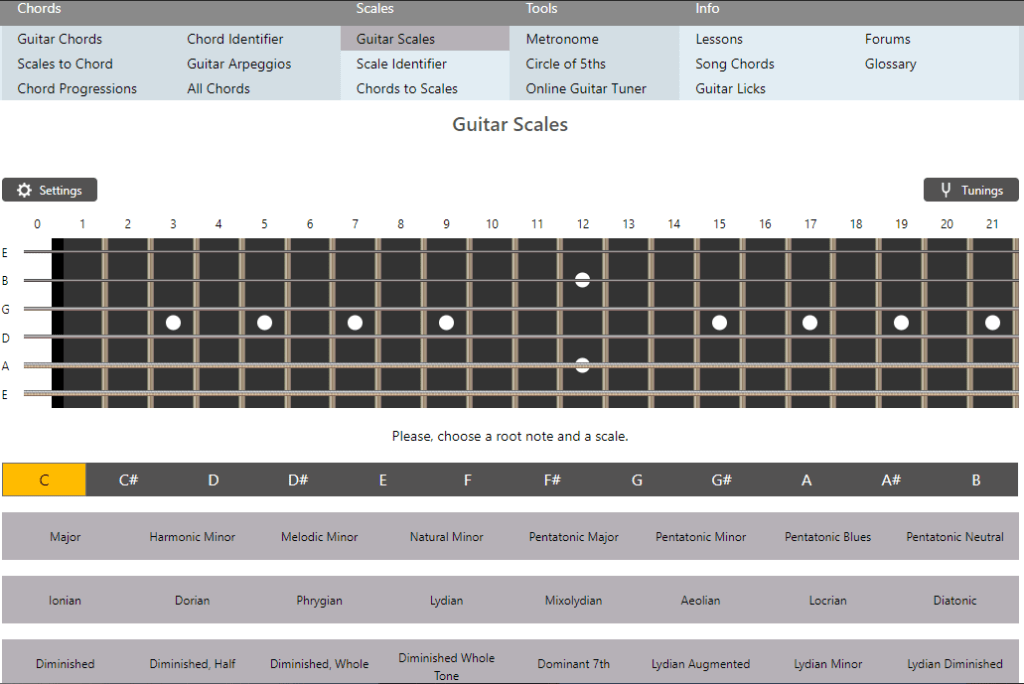
Just going to the link brings up a platform to look up all the scales you can think of, but the site goes beyond that! You can even change tuning, look up chords, use a metronome among other awesome tools! (HERE is an article on how to read the charts)
(Piano Chords) https://www.pianochord.org
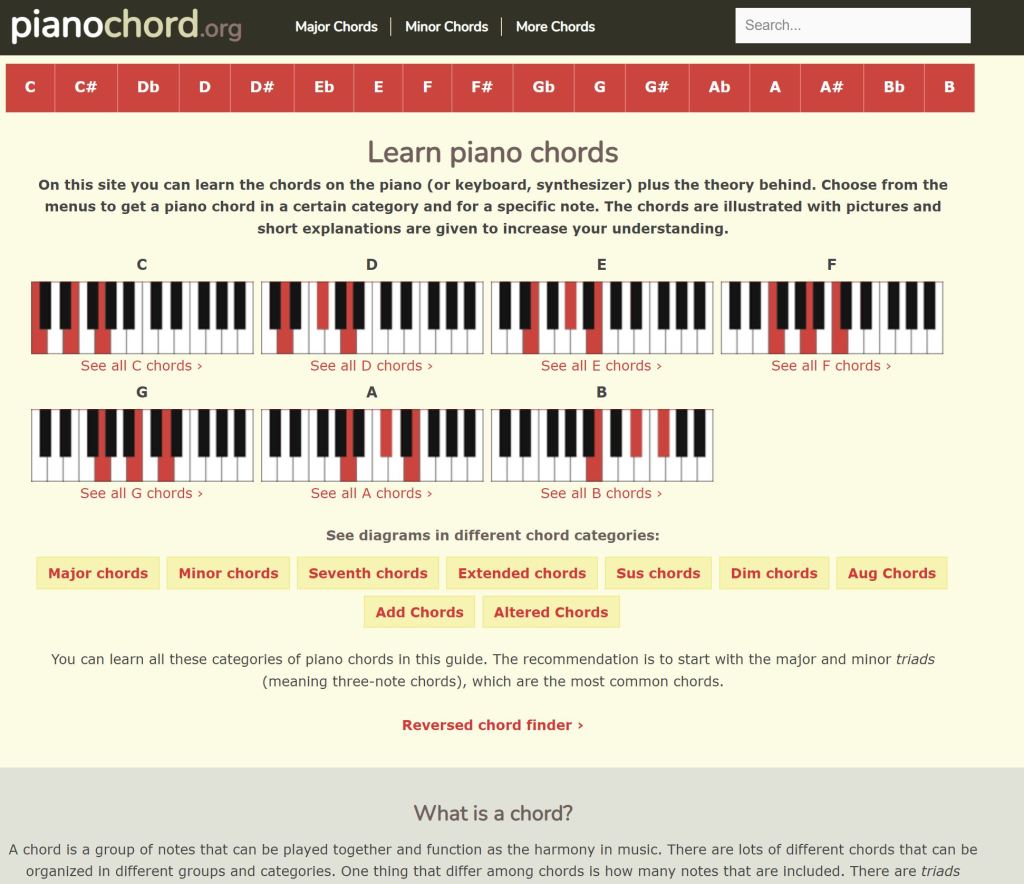
This is essentially an online chord book for piano, pretty darn awesome! HERE is an article on how to read the stuff on this site or anywhere that you may find chords written like this. Learning piano may seem weird, but it will help you if you learned any other instrument. It will help you visualize the structure of notes in a linear format, which I go in depth at the top of the linked article for this tool.
(Good Program for Tablatures) Guitar Pro https://www.guitar-pro.com/en/index.php
This is a program that I relied on for learning so much of what I know now. It’s so well respected that you can buy official tabs from artists themselves in the guitar pro format. This has a chord book/library, and the same for scales. You can transcribe to any instrument you have in mind, just with the understanding of your instrument of choice. You can make something written by guitar but transcribed through a violin or a whole darn orchestra. (in an upcoming article, I will go more into detail of this program)
(Freeware Version of a tab program) Power Tab http://www.power-tab.net/
This is as bare bones as you can get compared to guitar pro while still having tools like chord and scale charts, but it’s free! The MIDI engine is much nicer in guitar pro than this, which relies on some old tones that have been in many musical devices for decades (specifically the cheaper stuff of nowadays)! Definitely not as visually pleasing as Guitar Pro, but it’s all about the functionality… Which is still a pain in the butt to start composing stuff. I’m still learning to set up settings properly to making editing more intuitive for myself, as a I grew up with the Guitar Pro software which had a fantastic UI (user interface).
It works on pretty much any system so there’s no harm in giving it a try! Check out https://www.ultimate-guitar.com/explore?type[]=Power to find stuff that will work on the program you want to learn!
(Record your music!) Audacity https://www.audacityteam.org/download/
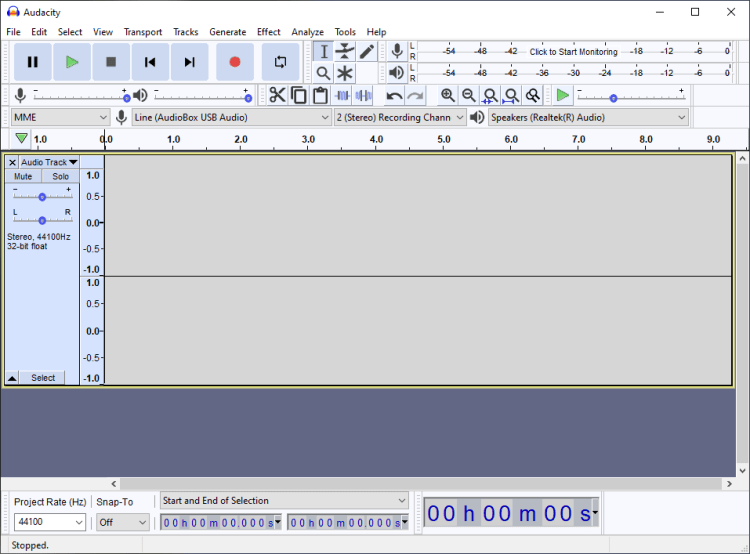
This is a deceivingly easy program to work with. The main functions you’d want are up front and easy to get started on making new music. There are, however, many functions you can find in the interface. You can add post effect, you cut and splice your audio, you can set your bit rate and so much more. There are other open source software to use, but this one is probably the simplest and popular. I’ll go in depth on this program soon
 Bodacious Music